Colorful discovery
Explore familiar pictures, colors, shapes, letters, and numbers in a bright, child-friendly world.
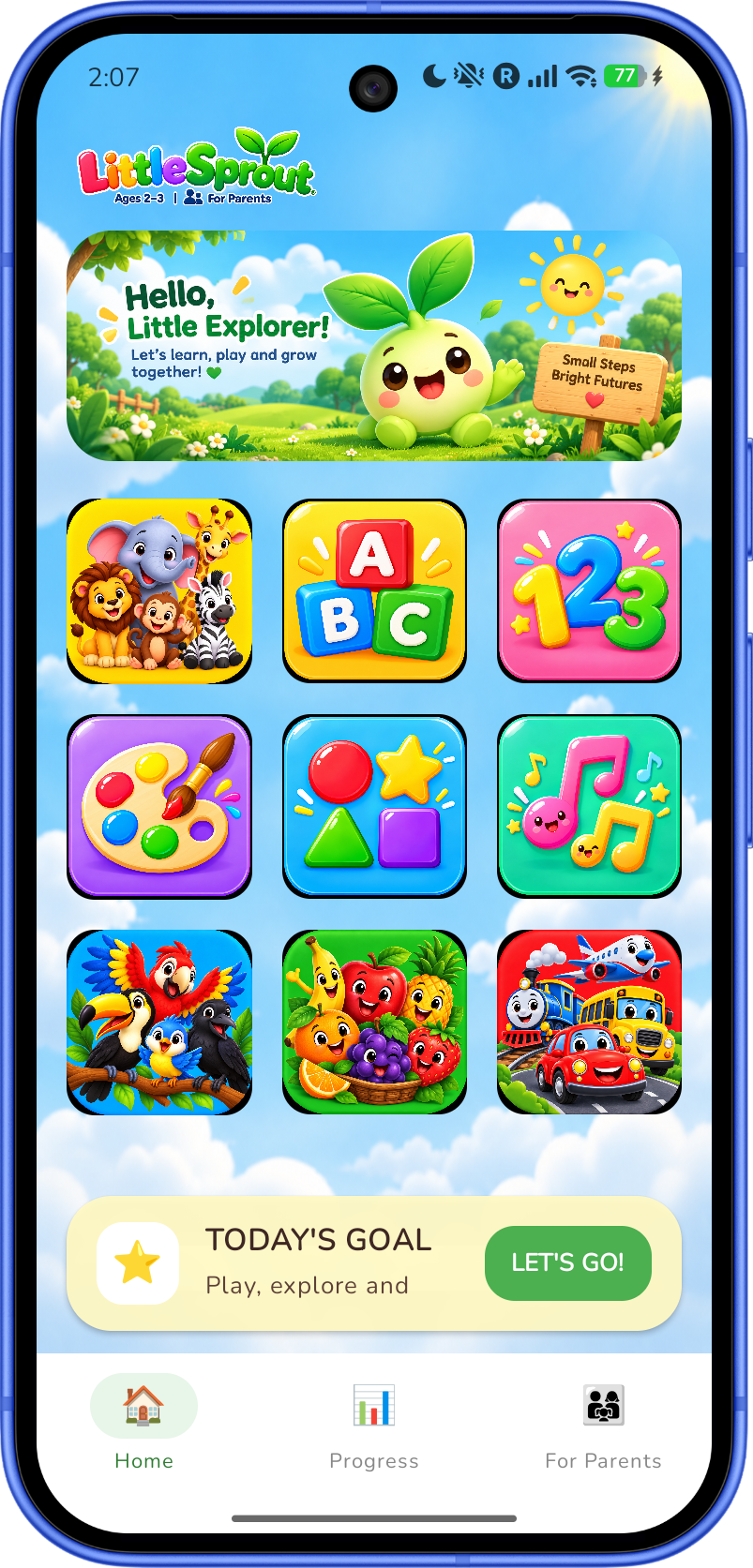
Little Sprout brings colorful learning adventures to little explorers through letters, numbers, shapes, music, animals, and more.
Available on Google Play Store and iOS · Built with Compose Multiplatform
 Made for little explorers ✨
Made to explore
Little Sprout pairs playful visuals with touch-friendly activities and built-in audio for early learners.
Explore familiar pictures, colors, shapes, letters, and numbers in a bright, child-friendly world.
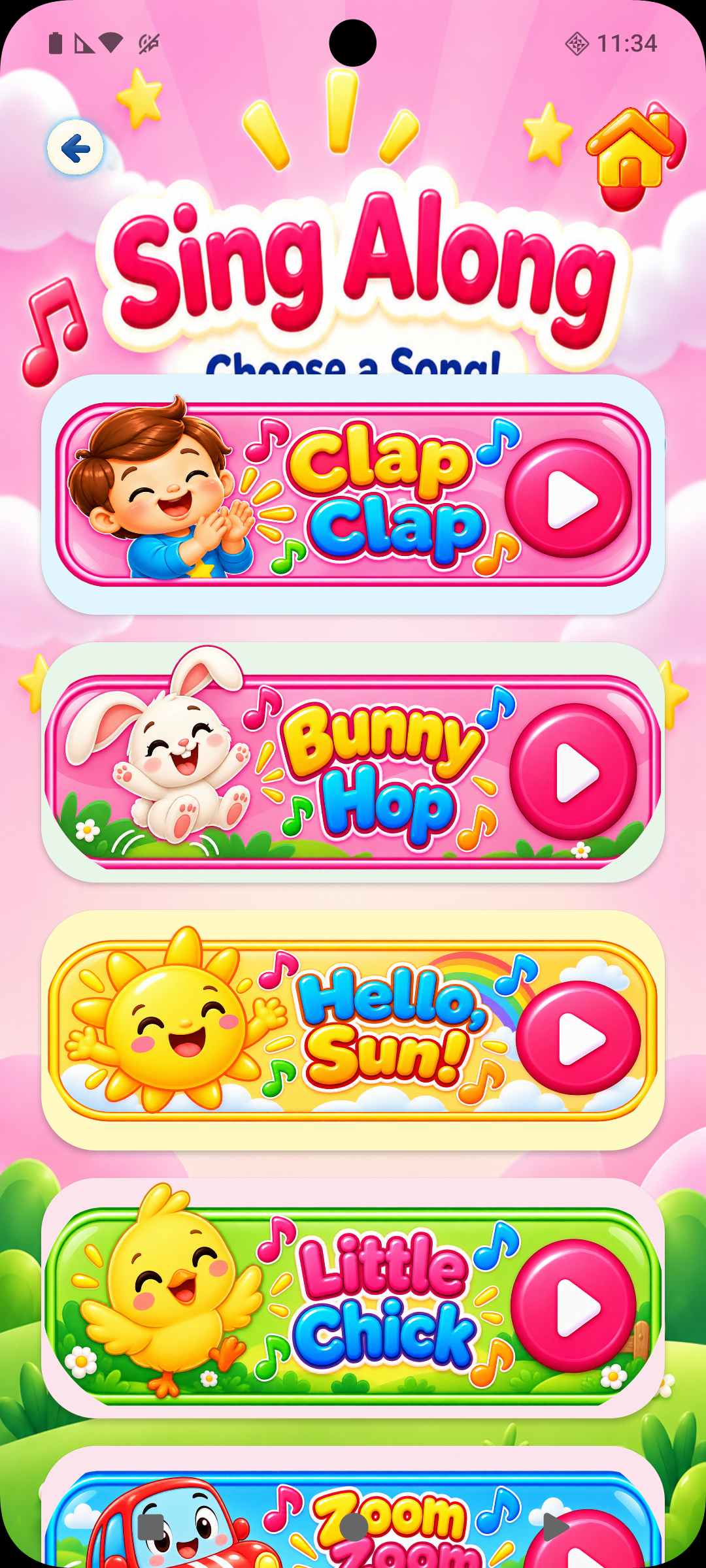
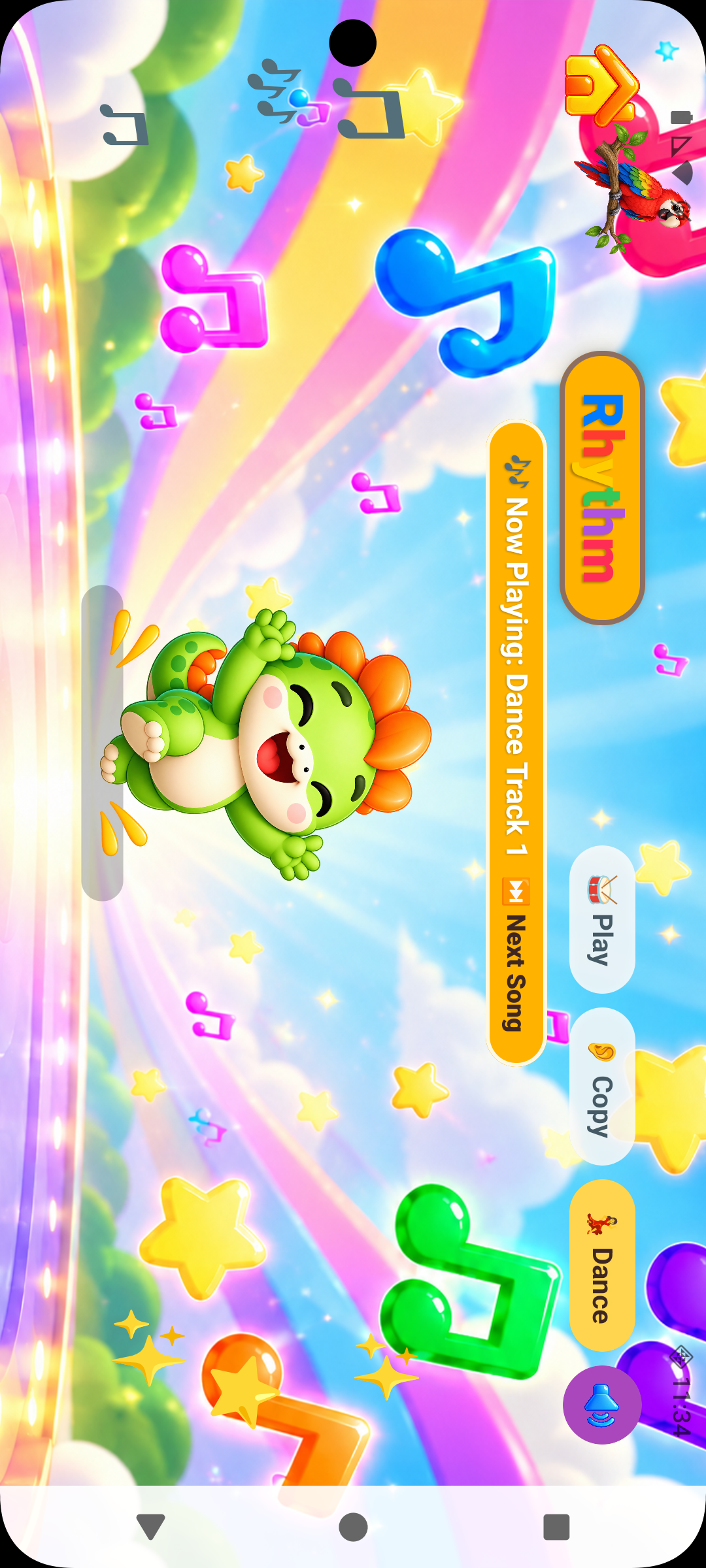
Learning items include audio, and the app has dedicated music activities with sing-along, piano, drums, and rhythm choices.
Play counts and completed activities are recorded so progress can be viewed from the parent area.
Learning areas
These are the learning areas available in Little Sprout.
 Alphabet
 Numbers
 Colors
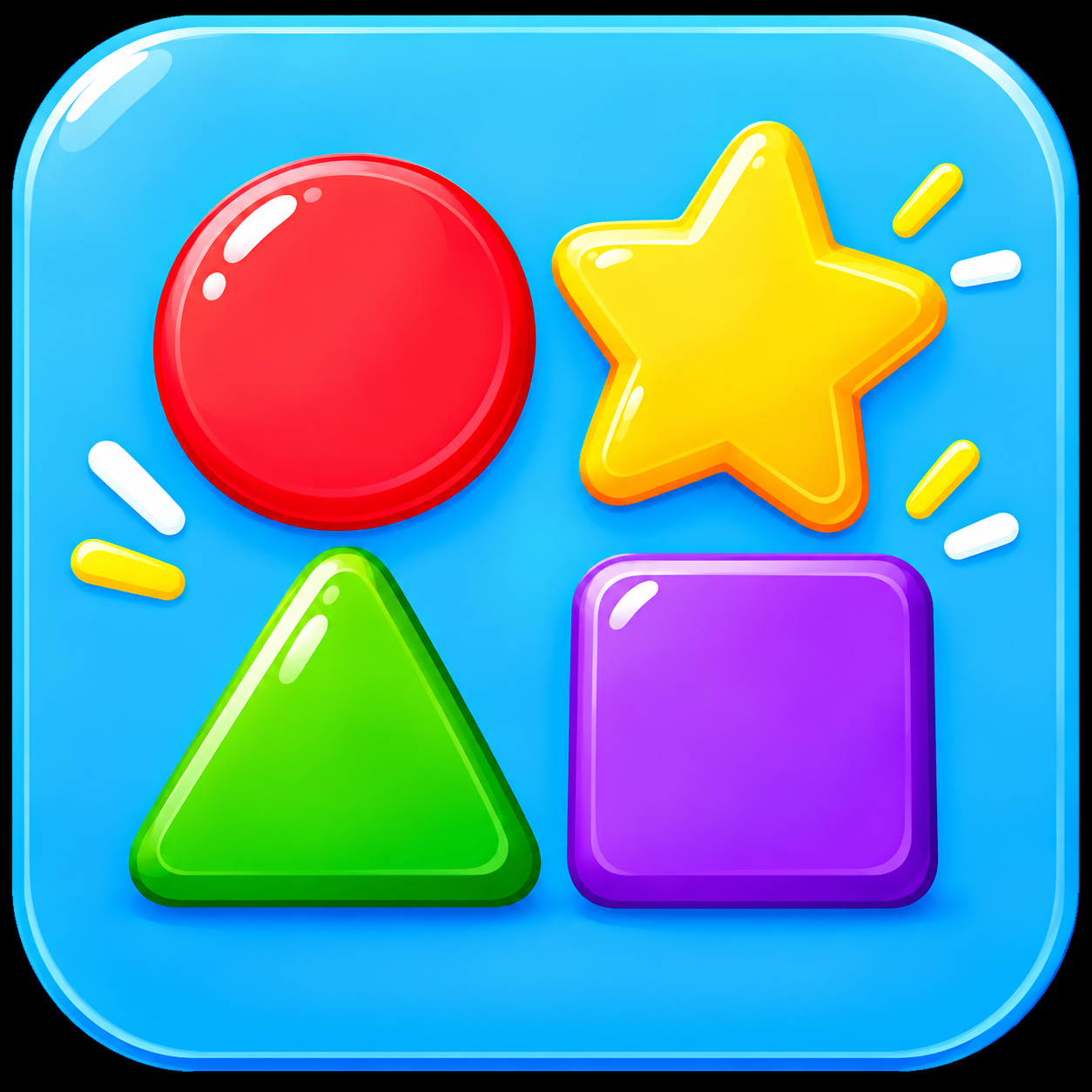 Shapes
 Music
 Animals
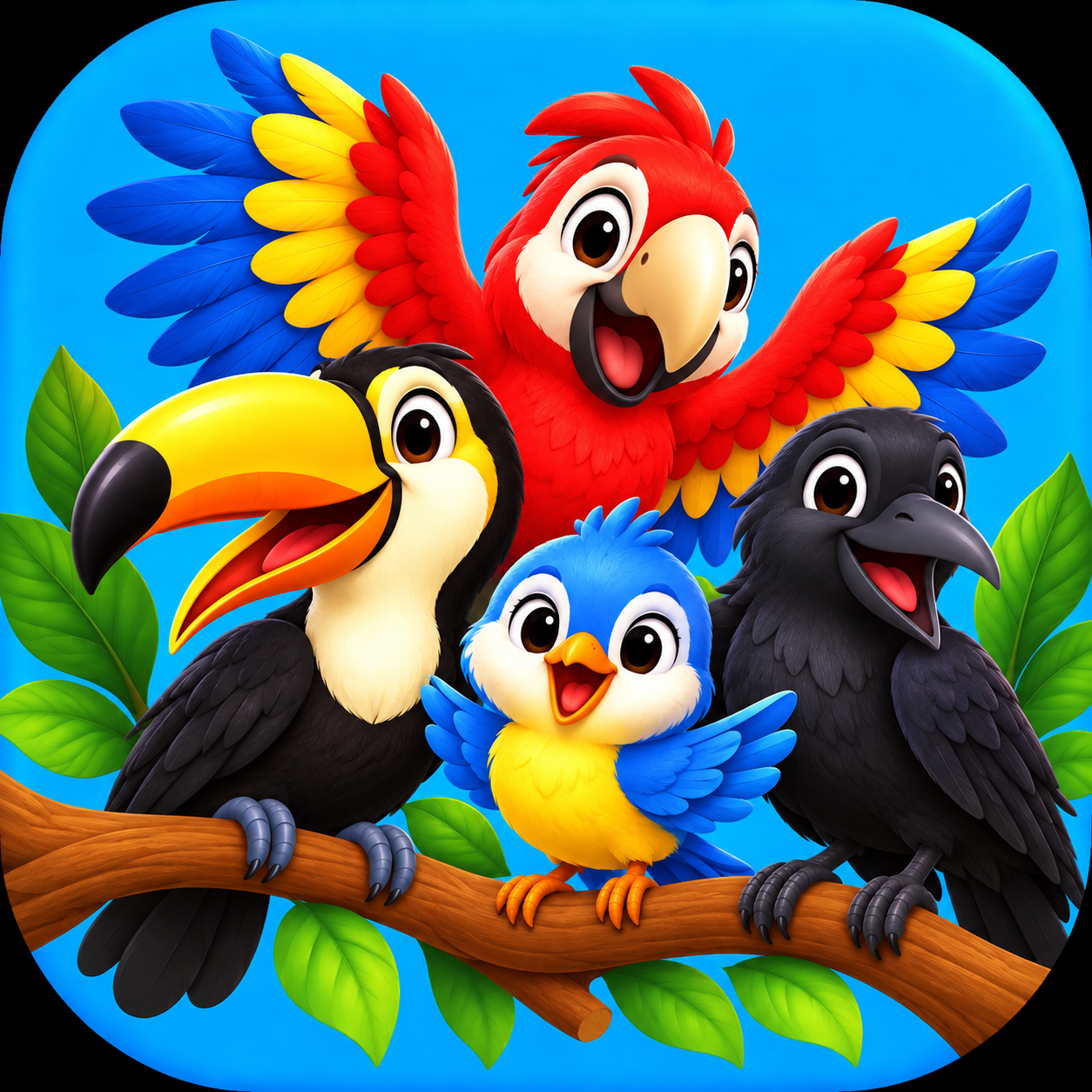 Birds
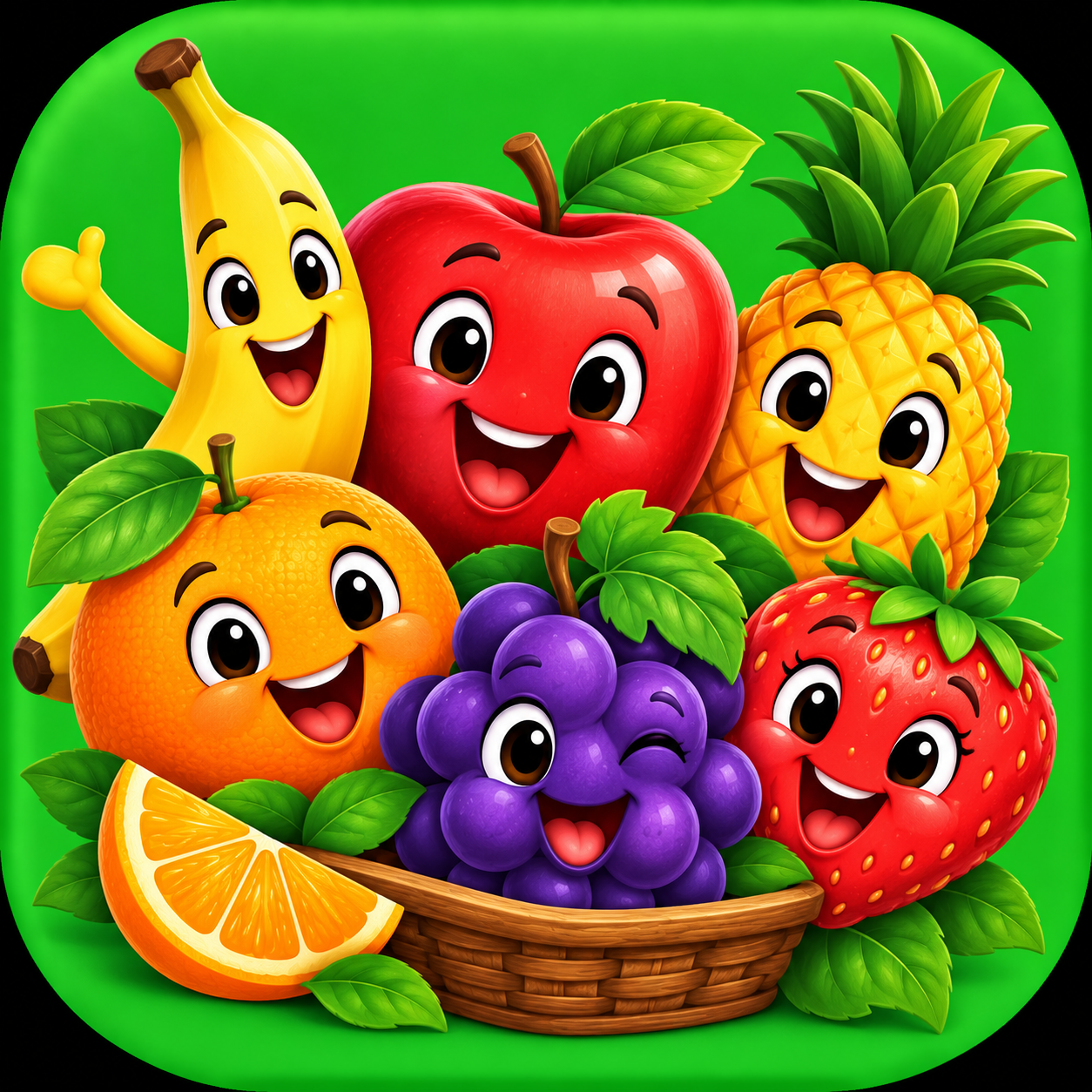 Fruits
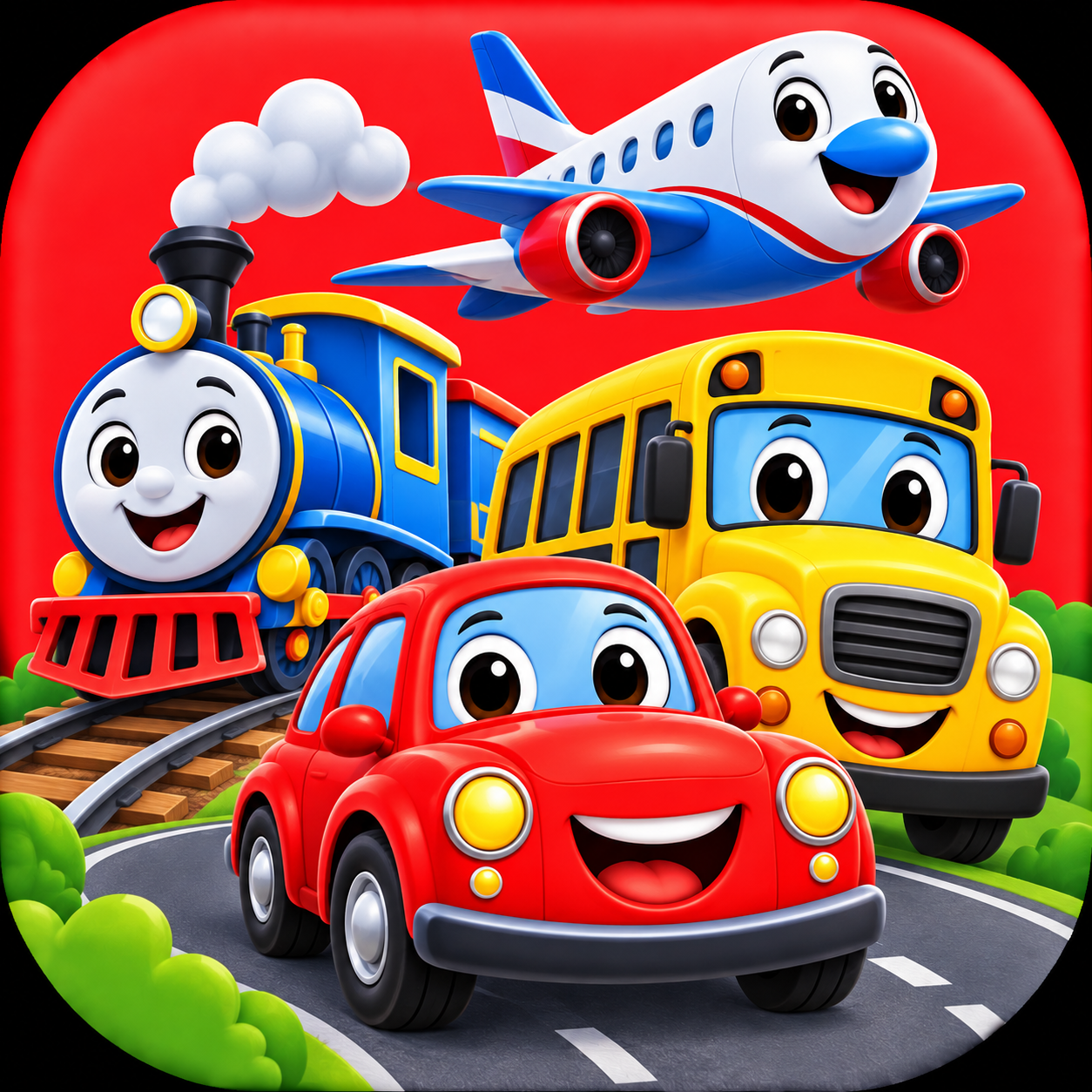 Vehicles
Inside the app
Children can choose from the dashboard’s nine learning categories and view individual items within each area.
Item audio can be played during activities. Parent settings include sound, music, autoplay, and quiet-mode controls.
The parent area includes progress views for explored activities, songs played, and category progress, plus a reset option.
Today’s Adventure
Little Sprout’s Today’s Adventure presents four learning areas to explore. As an activity is started, it is marked as complete in the adventure.
A closer look
Real screens from the app. Select any screen to view it larger.
App preview
Watch the Little Sprout preview video on YouTube.
Real user feedback & QA reports
Real feedback reports and bug testing notes received during beta testing and how we resolved them.
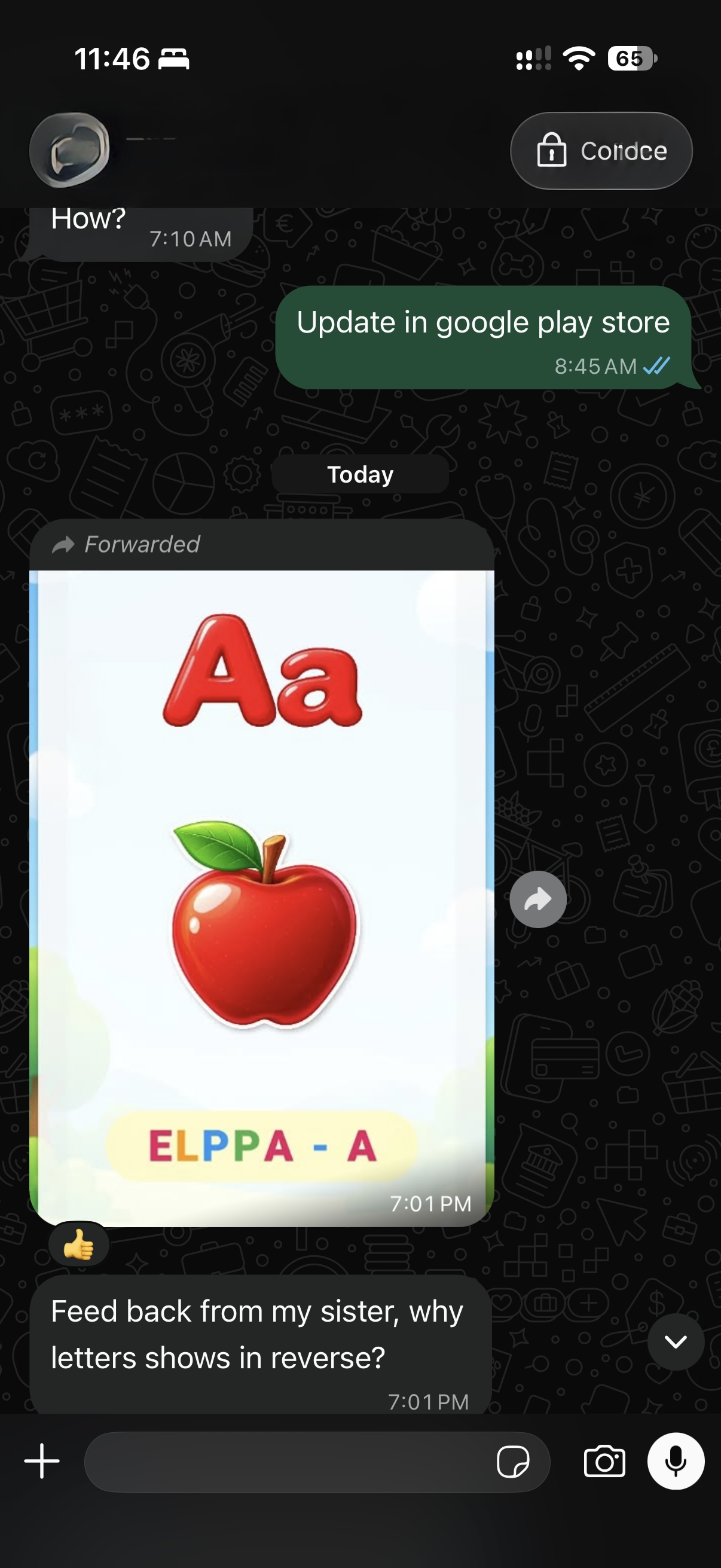
"Feedback from my sister: Why are letters showing in reverse (e.g. reading backwards like 'ELPPA') on certain device locales?"
✓ Resolution: Enforced global LTR text directionality to keep words reading correctly.
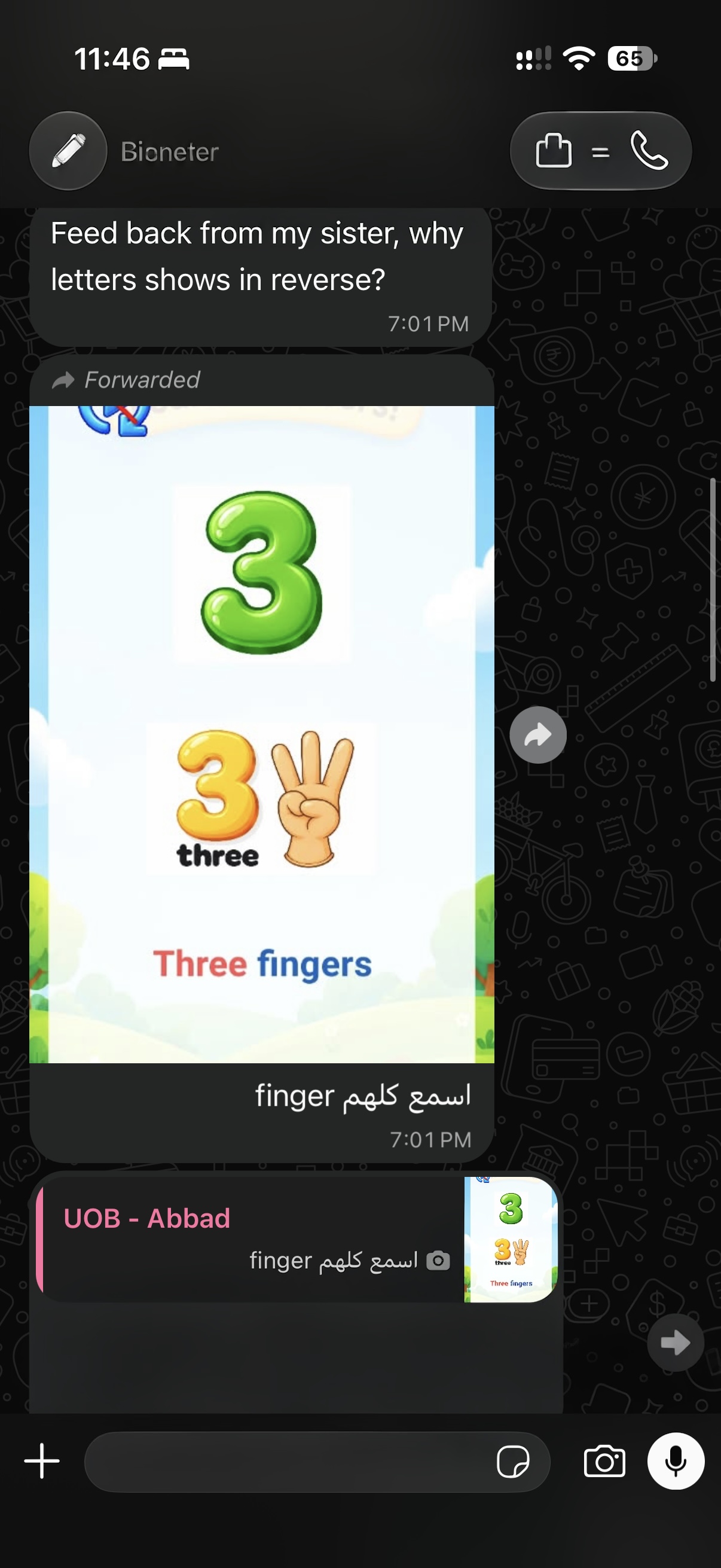
"Review on number finger counting: Make sure audio narration clearly reads out every single finger count and number for toddlers."
✓ Resolution: Verified touch card audio sync for all number gestures.
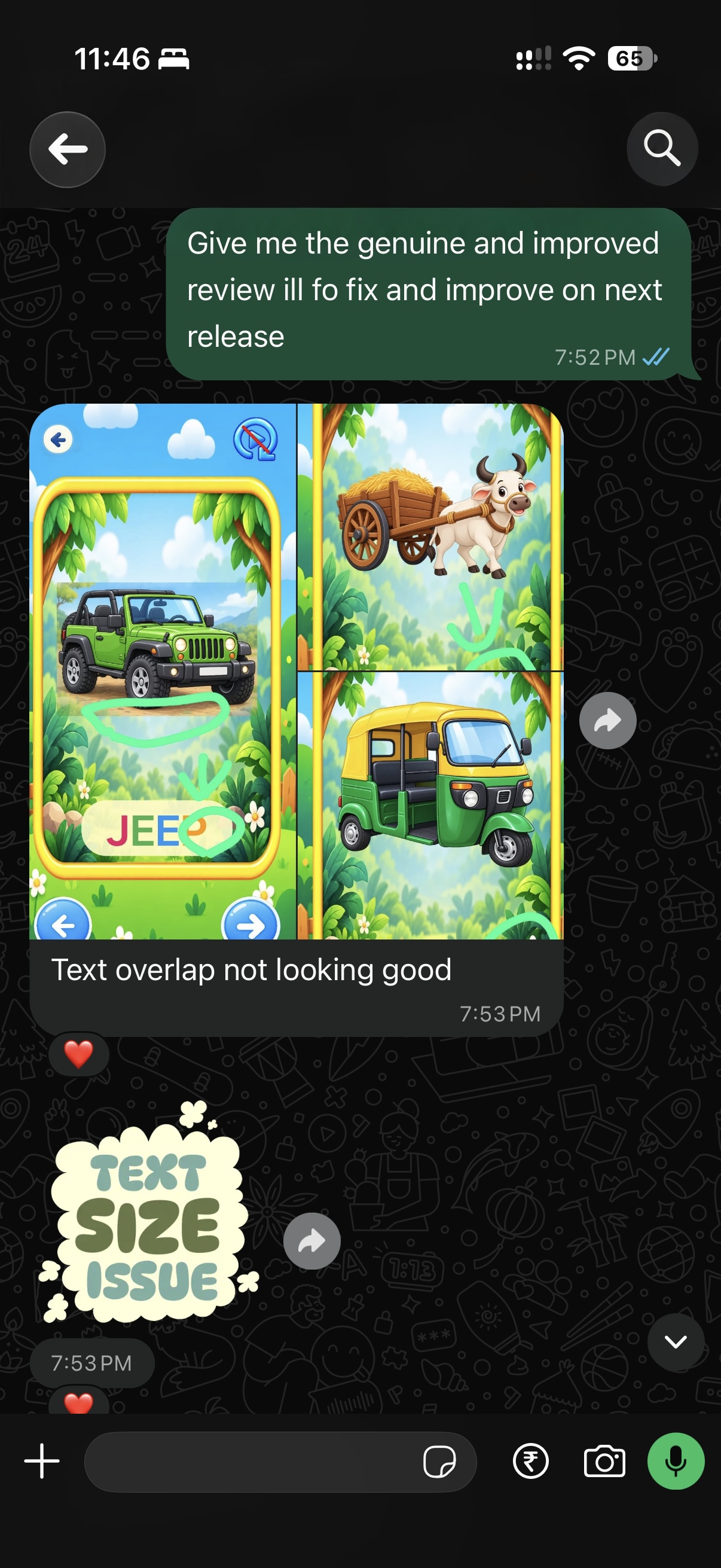
"Text overlap not looking good on vehicle and object labels (e.g., 'JEEP') when text sizing expands on smaller screens."
✓ Resolution: Implemented auto-shrinking text and layout bounds constraints.
For parents
Little Sprout is designed for children ages 2–3. The project includes a dedicated parent area for settings, progress, privacy and safety, and more.
Adjust sound, music, and autoplay preferences to suit your child. View learning progress and reset activity history right from the app.
Learn about parent features